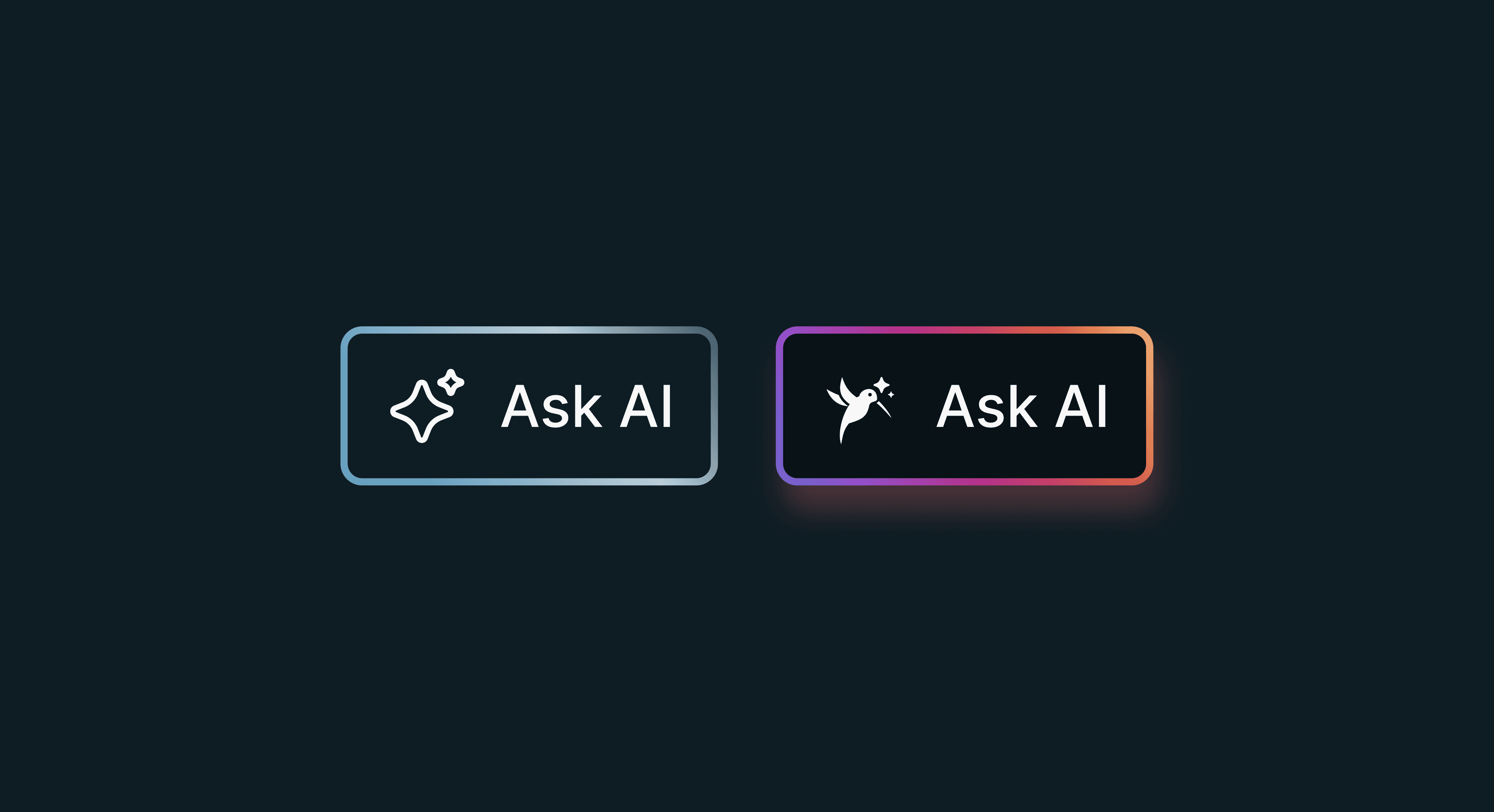
AI Assistant Paradox
The AI Assistant enhances the Paradox ecosystem by providing users and installers with instant, contextual support. It helps troubleshoot issues, explain system events, guide device configuration, and answer product-related questions in natural language. By reducing the need to navigate complex menus or documentation, the assistant improves efficiency and user confidence. Integrated directly into the platform, it delivers personalized recommendations, accelerates problem resolution, and creates a more intuitive experience across mobile, desktop, and security management workflows.
Checklist
The AI Checklist was designed to simplify system management and guide users through important security and maintenance tasks. Instead of requiring users to manually review multiple screens and settings, the feature uses AI to analyze the current system state and generate personalized recommendations. The checklist highlights potential issues such as offline devices, low battery sensors, outdated configurations, missing security settings, or incomplete system setup.
From a product design perspective, the goal was to transform complex technical information into clear, actionable steps that users could easily understand and complete. Each checklist item includes a concise explanation, priority level, and direct action path, reducing cognitive load and improving task completion rates. The design emphasizes transparency by explaining why recommendations are made and what benefits users gain from completing them.
The experience was built around progressive disclosure, allowing users to focus on the most critical tasks first while avoiding information overload. Visual indicators, status tracking, and completion feedback help users monitor their progress and maintain confidence in the system. By combining AI-driven insights with intuitive user flows, the checklist improves engagement, increases system reliability, reduces support requests, and helps both homeowners and installers maintain a secure, fully optimized Paradox security environment.
Research and Inspiration
The research phase focused on understanding how users interact with security systems and where they encounter friction. We analyzed support requests, user feedback, and common configuration challenges to identify opportunities for AI assistance. Competitive research included studying AI-powered experiences from productivity, smart home, and customer support platforms to understand effective guidance patterns and conversational interactions. Inspiration was drawn from products that simplify complex tasks through contextual recommendations and proactive assistance. These insights helped define the assistant’s role, interaction model, and user experience principles, ensuring the solution would be intuitive, trustworthy, and capable of helping users complete tasks more efficiently.


Concept
The final AI concept blends advanced technology with a sense of magic and cosmic discovery. Inspired by celestial patterns, glowing constellations, and futuristic energy flows, the experience transforms complex security management into something intuitive and almost effortless. Dynamic animations, ambient visuals, and intelligent guidance create the feeling of a trusted digital companion. The result is a distinctive, memorable experience that makes powerful AI capabilities feel approachable, engaging, and seamlessly integrated into the Paradox ecosystem.
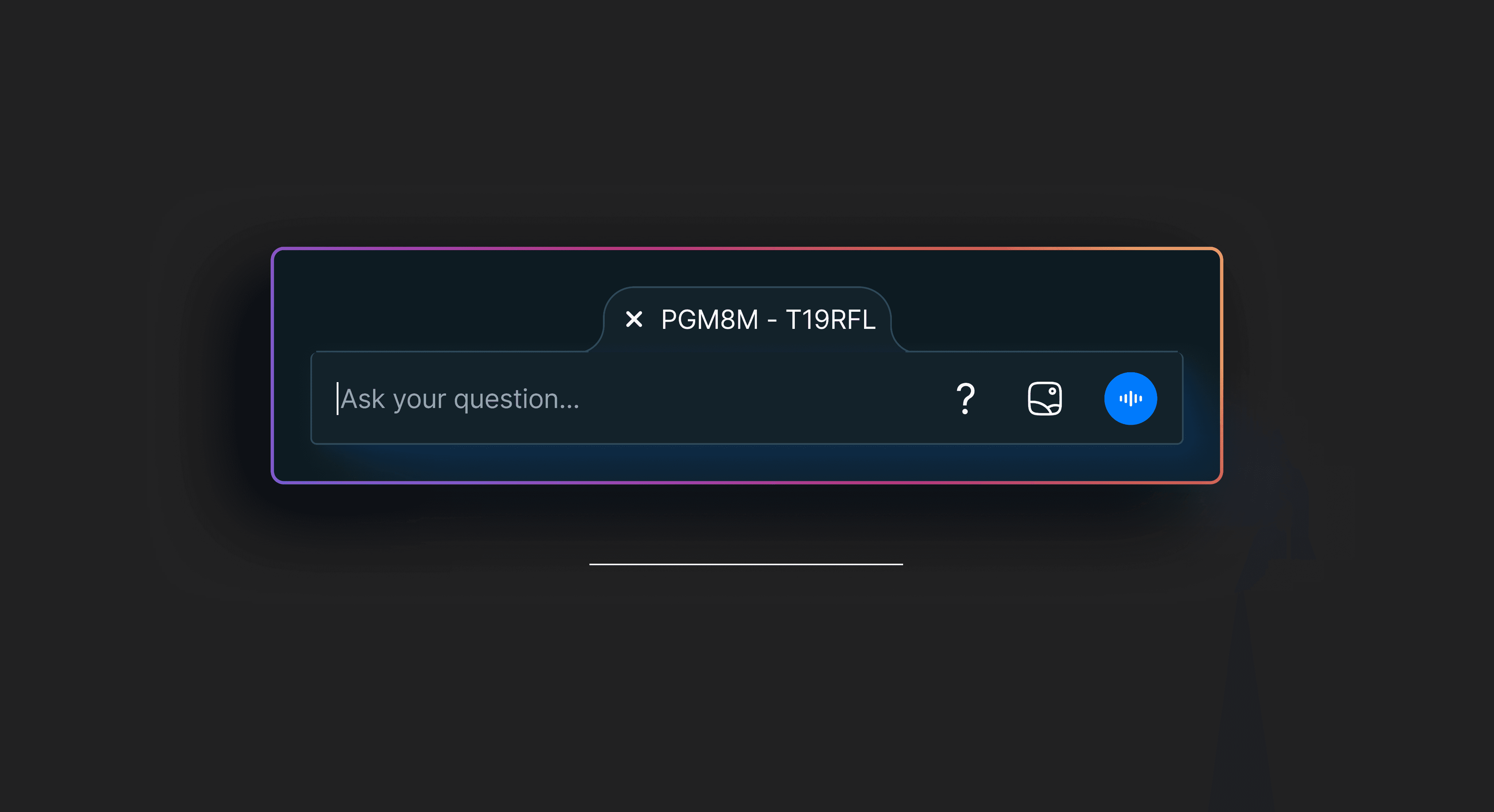
Toasts deliver timely feedback, guidance, and actionable insights.
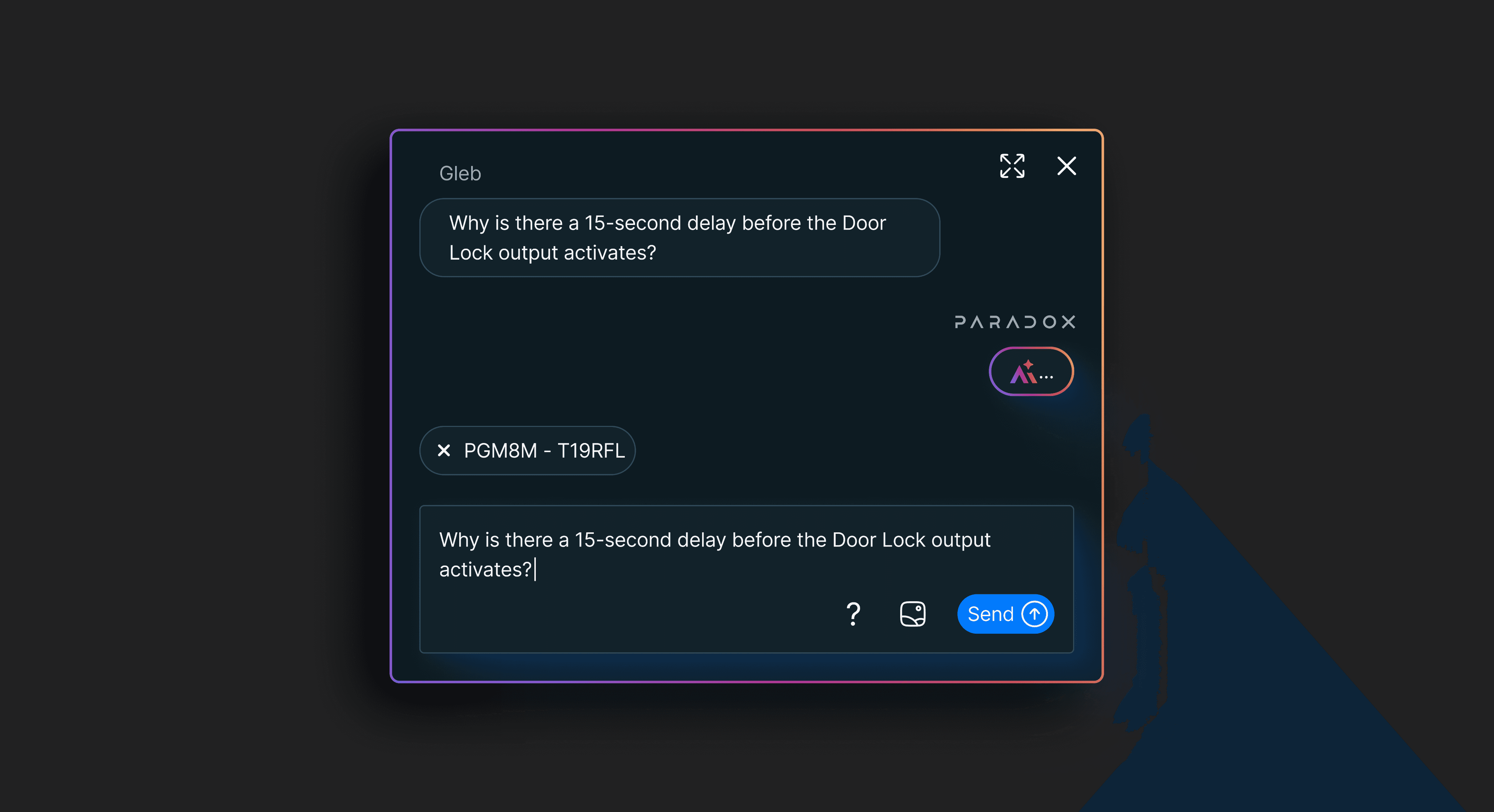
AI Assistant dialogs provide contextual guidance, recommendations, and support through intuitive conversational interactions.
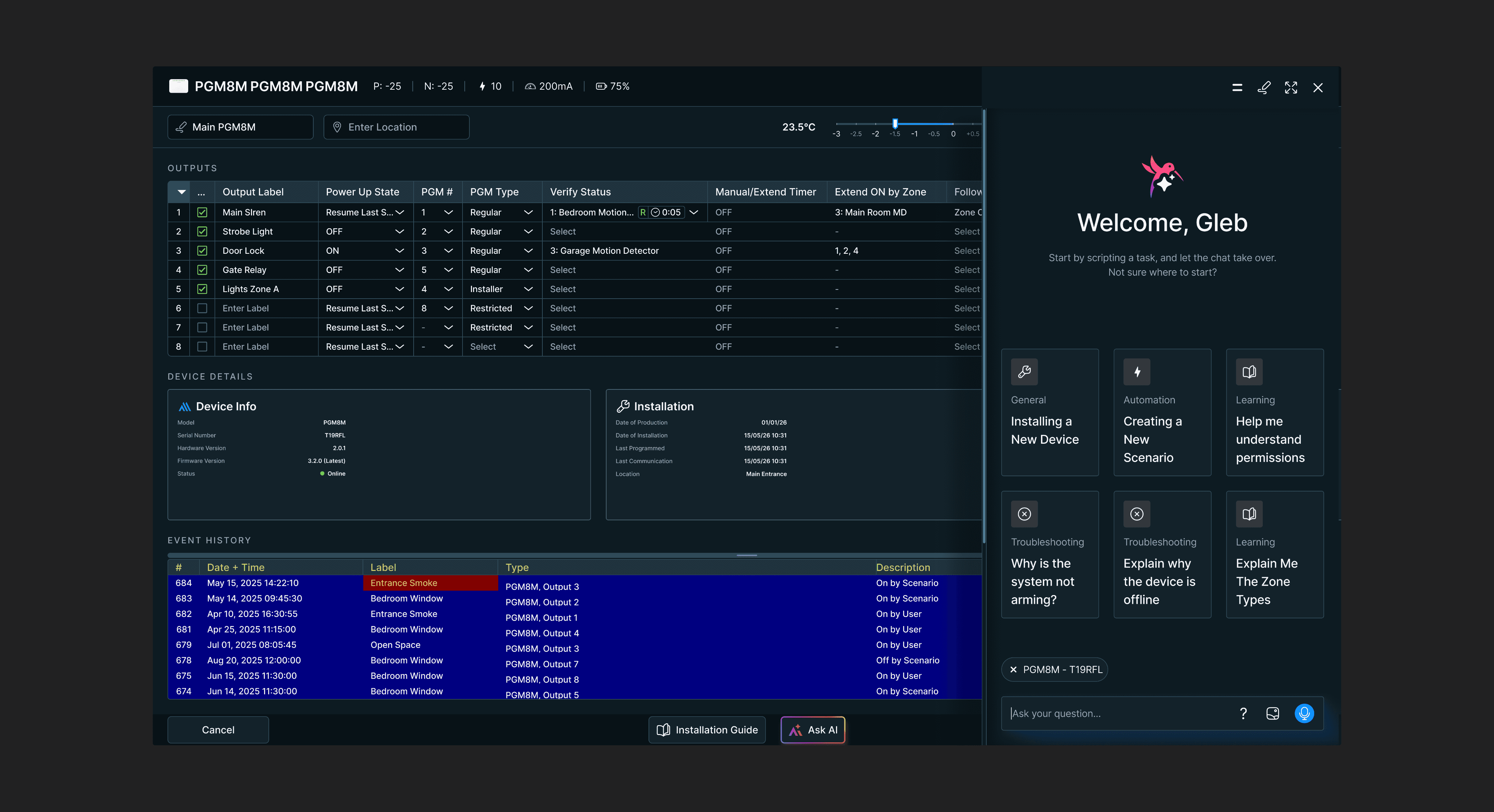
AI Wizard simplifies setup, configuration, and troubleshooting through guided workflows.
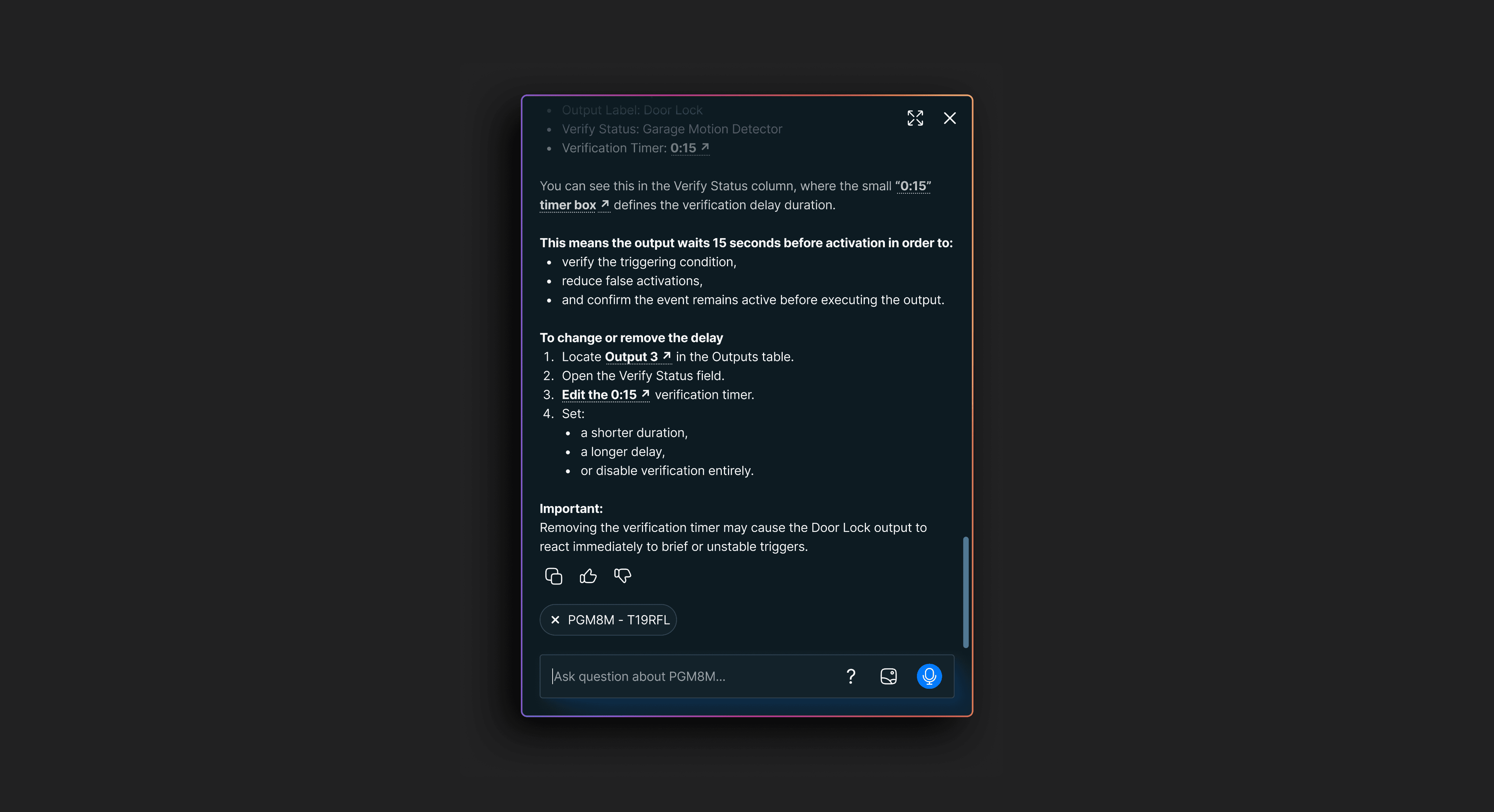
Dialogs enable natural conversations, guidance, and task completion.
Implementation
The implementation phase focused on transforming the AI Assistant concept into a scalable and user-friendly experience across the Paradox ecosystem. The process began with defining key user scenarios, including system troubleshooting, device configuration, security recommendations, and guided setup. User flows and interaction patterns were created to ensure conversations remained clear, efficient, and contextually relevant.
To support consistency, dedicated UI components were developed, including chat interfaces, dialogs, toasts, recommendation cards, checklists, and AI-powered wizards. These components were integrated into the existing design system, allowing the assistant to maintain a cohesive visual language across mobile and desktop platforms. Special attention was given to accessibility, readability, and responsiveness to ensure a seamless experience for all users.
Collaboration with developers played a critical role throughout implementation. Technical requirements, AI behaviors, edge cases, and system integrations were carefully documented and reviewed. Interactive prototypes were tested to validate user understanding, navigation patterns, and task completion rates. Feedback from stakeholders and internal teams helped refine the experience before release. The final implementation successfully combined intelligent automation with intuitive design, creating an assistant capable of simplifying complex security tasks, reducing user frustration, accelerating problem resolution, and improving overall engagement with Paradox products and services.