K70.
A touchscreen security keypad — fast, familiar access to arming, disarming and emergency controls.
Role
Product Designer
Platform
Embedded touchscreen
Stack
Figma, Adobe, Lottie
Scope
Concept → hardware UI
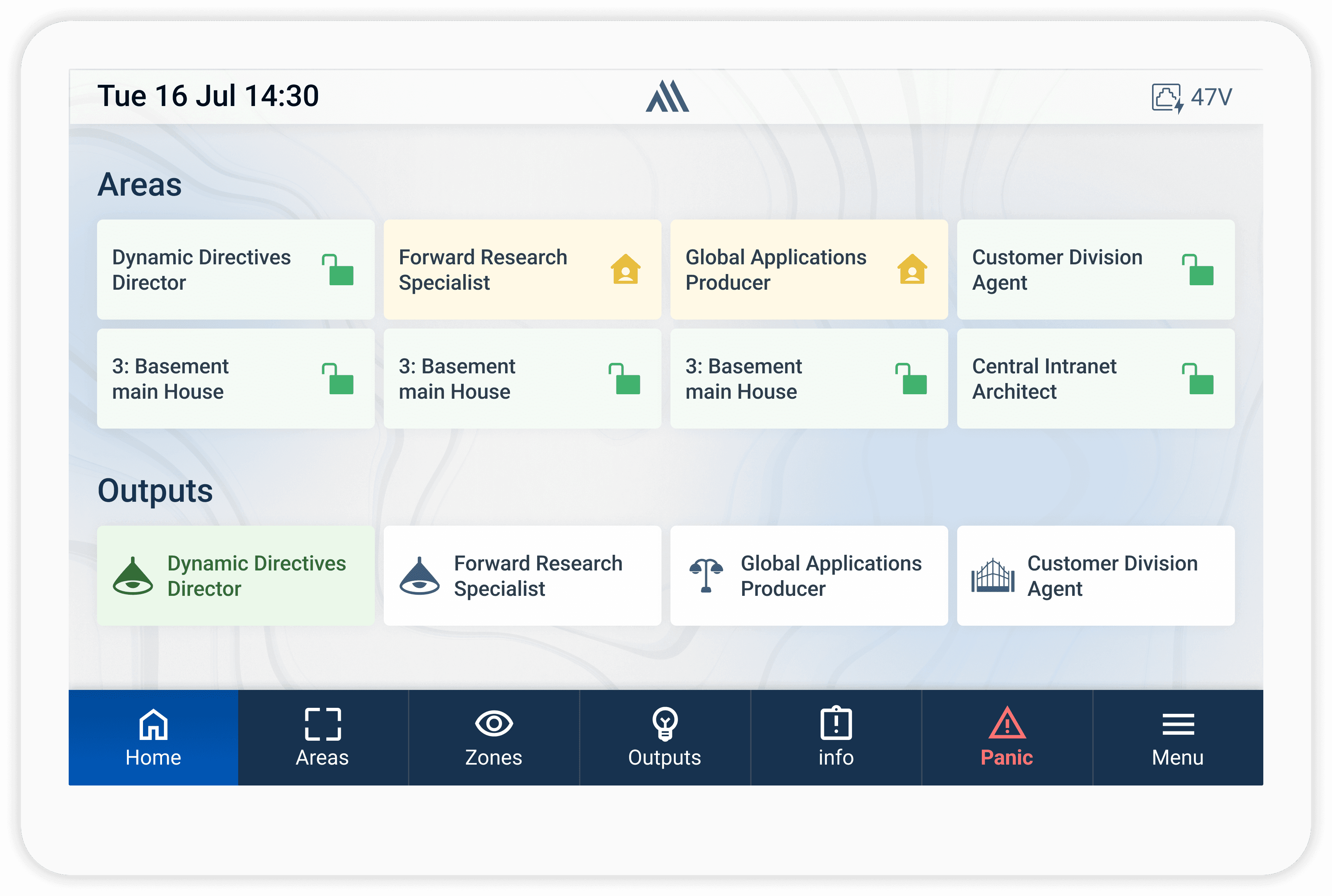
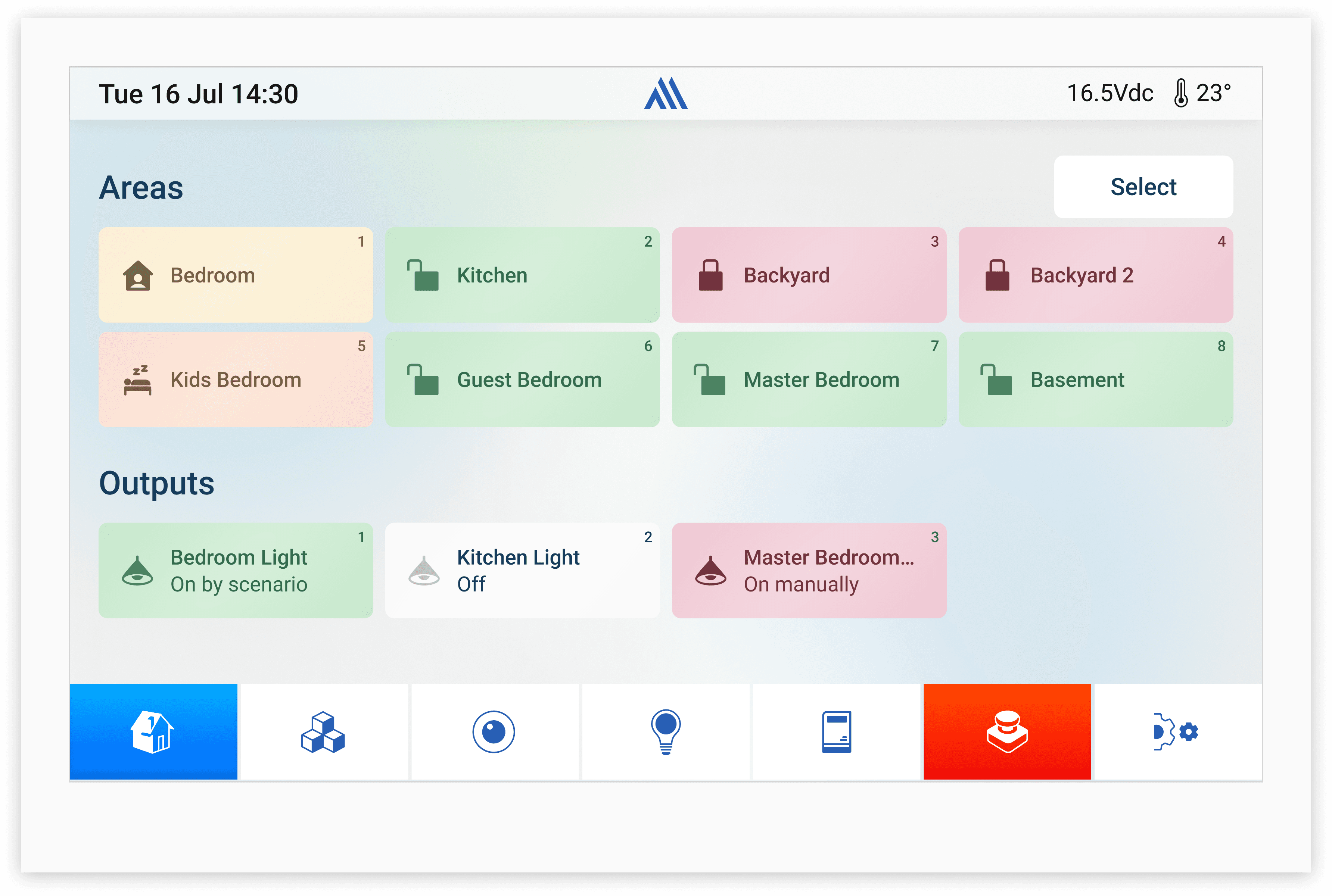
The Challenge
01
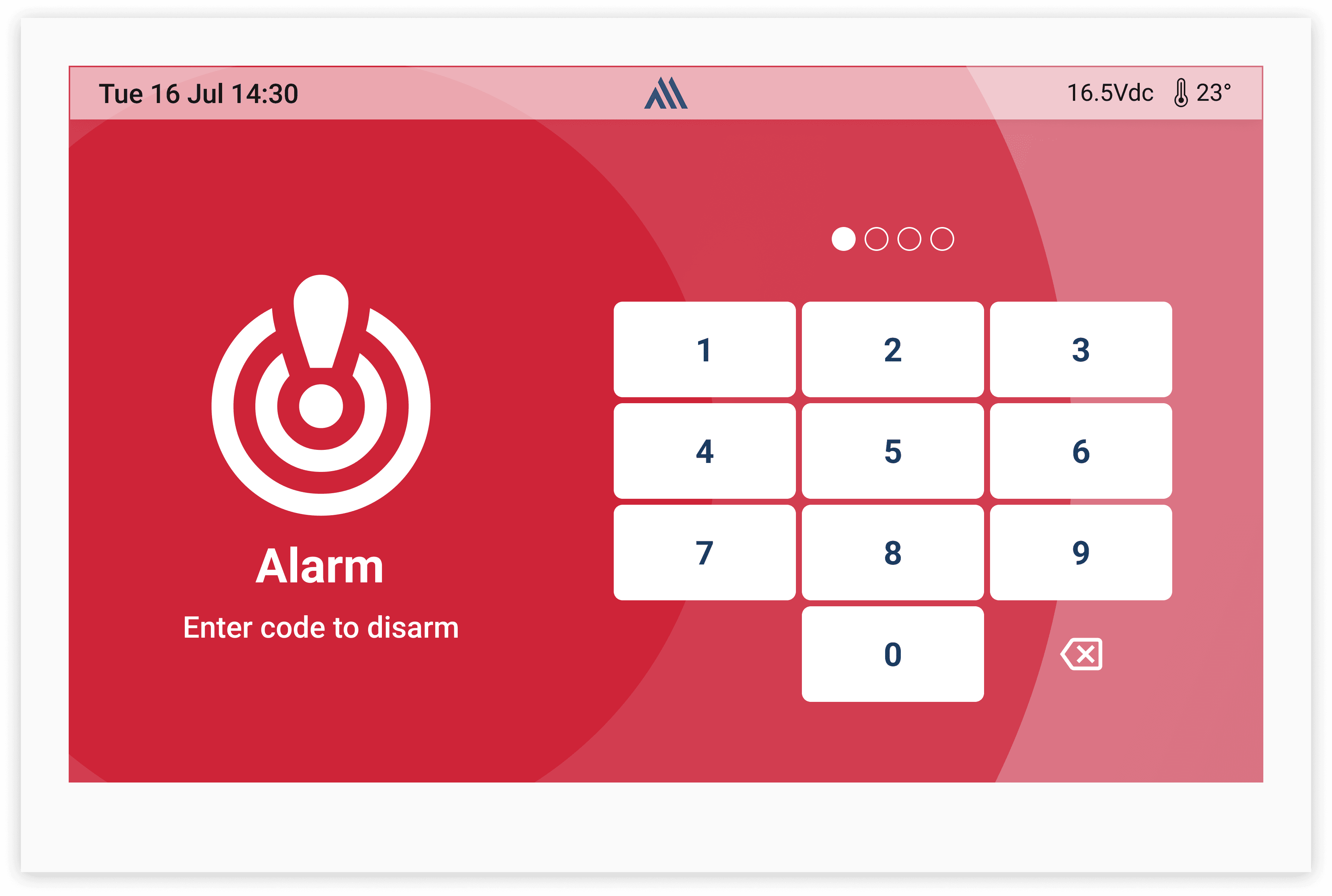
Four arming modes
Stay, Away, Sleep and Disarm must all be reachable and unmistakable from the home state.
02
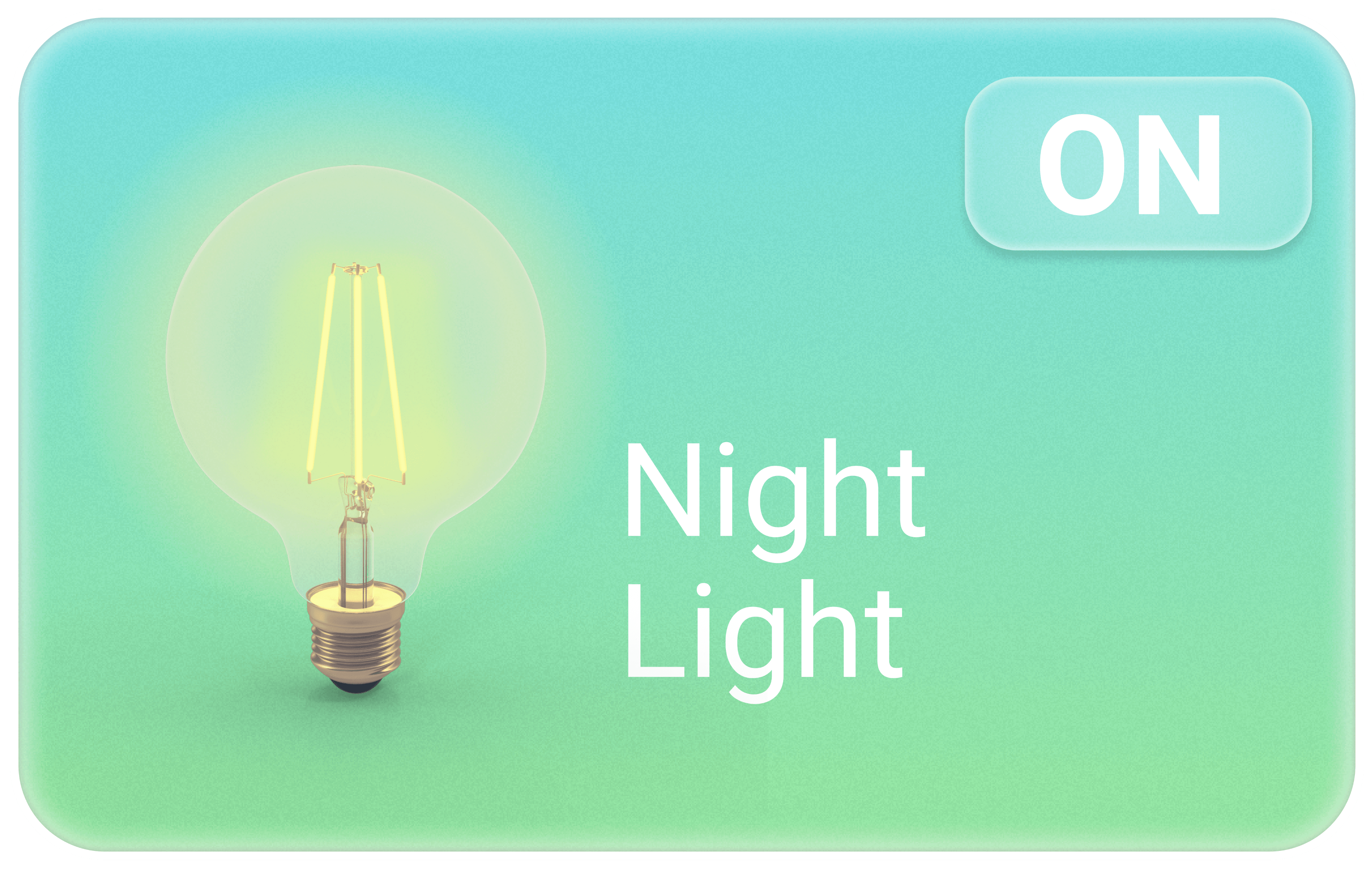
Lights, scenes, access
Lights and scenes controlled straight from the keypad, plus adding and removing users and PINs.
03
Zones and simplicity
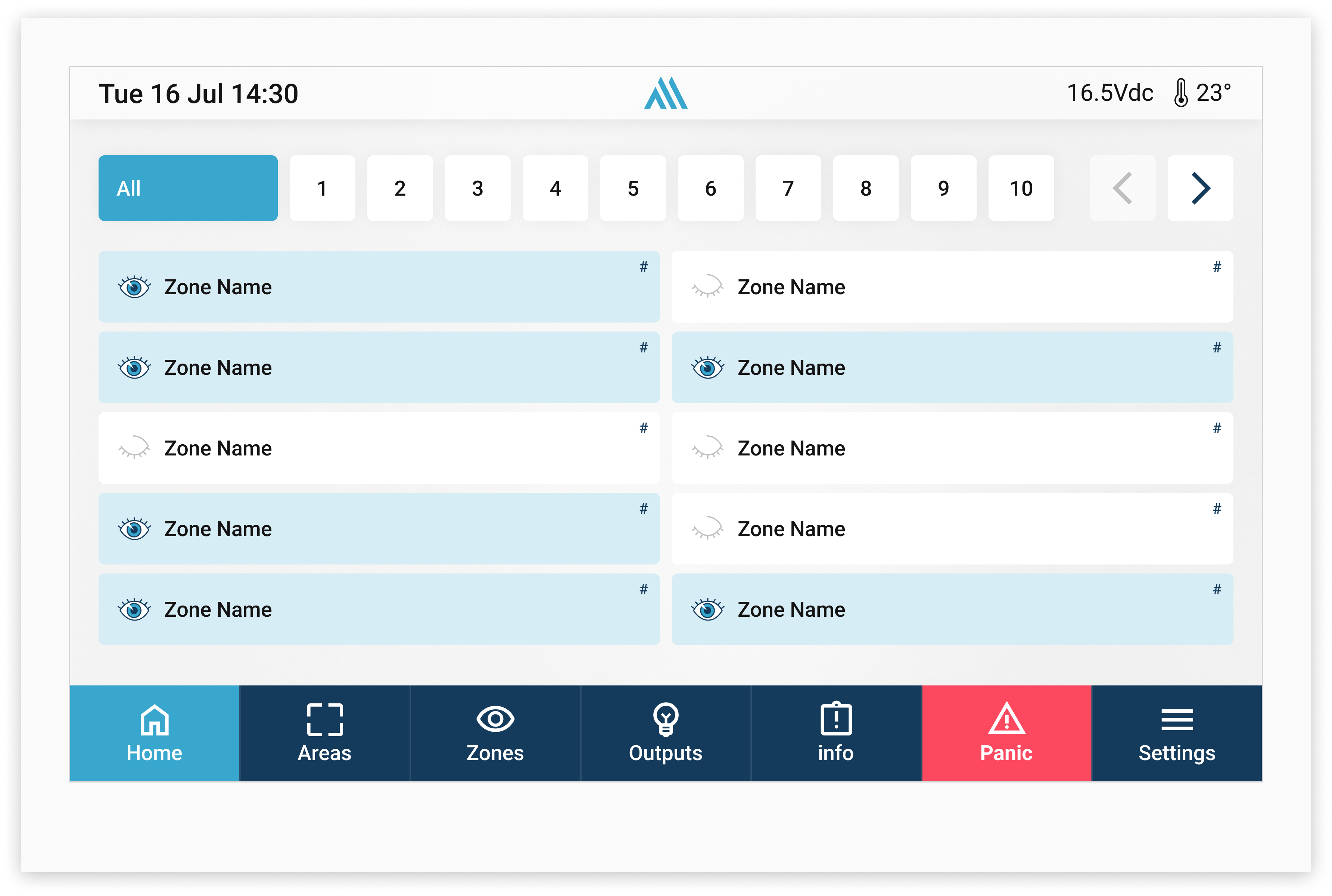
Zone bypass and sensor status, in an interface that stays simple and friendly for every kind of user.
Old Keypad
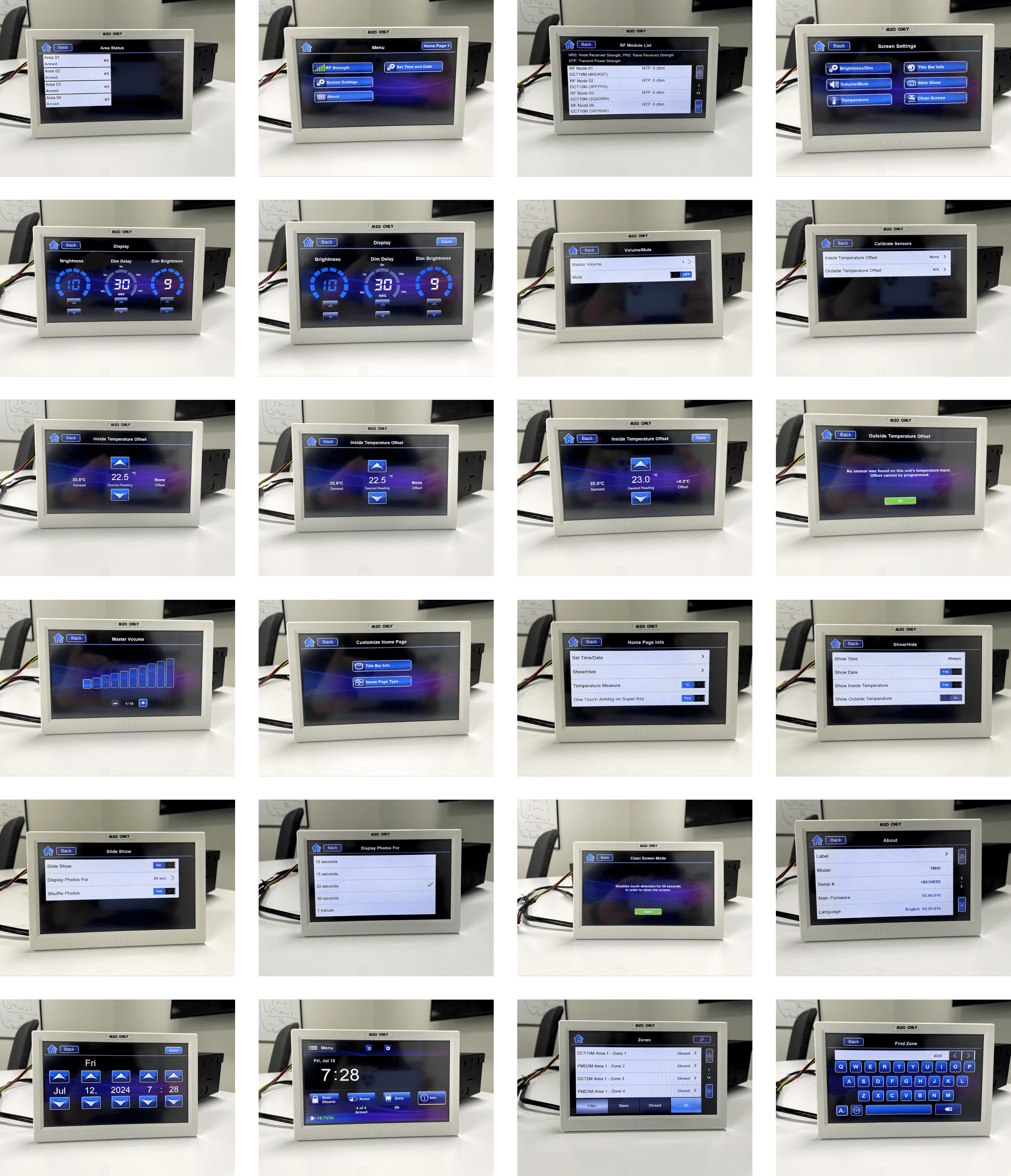 Crowded layouts, unclear button hierarchy and inconsistent feedback — hard to read in stressful or low-visibility conditions.
Color Palette
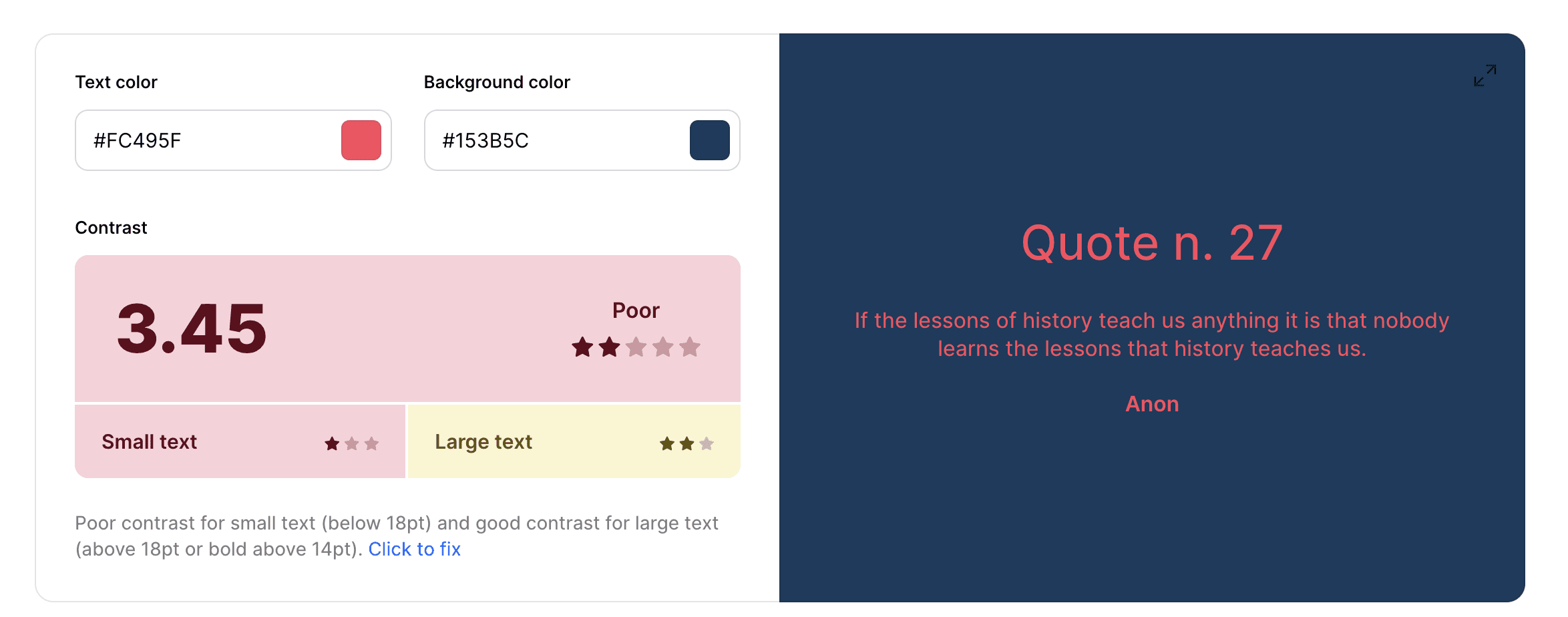
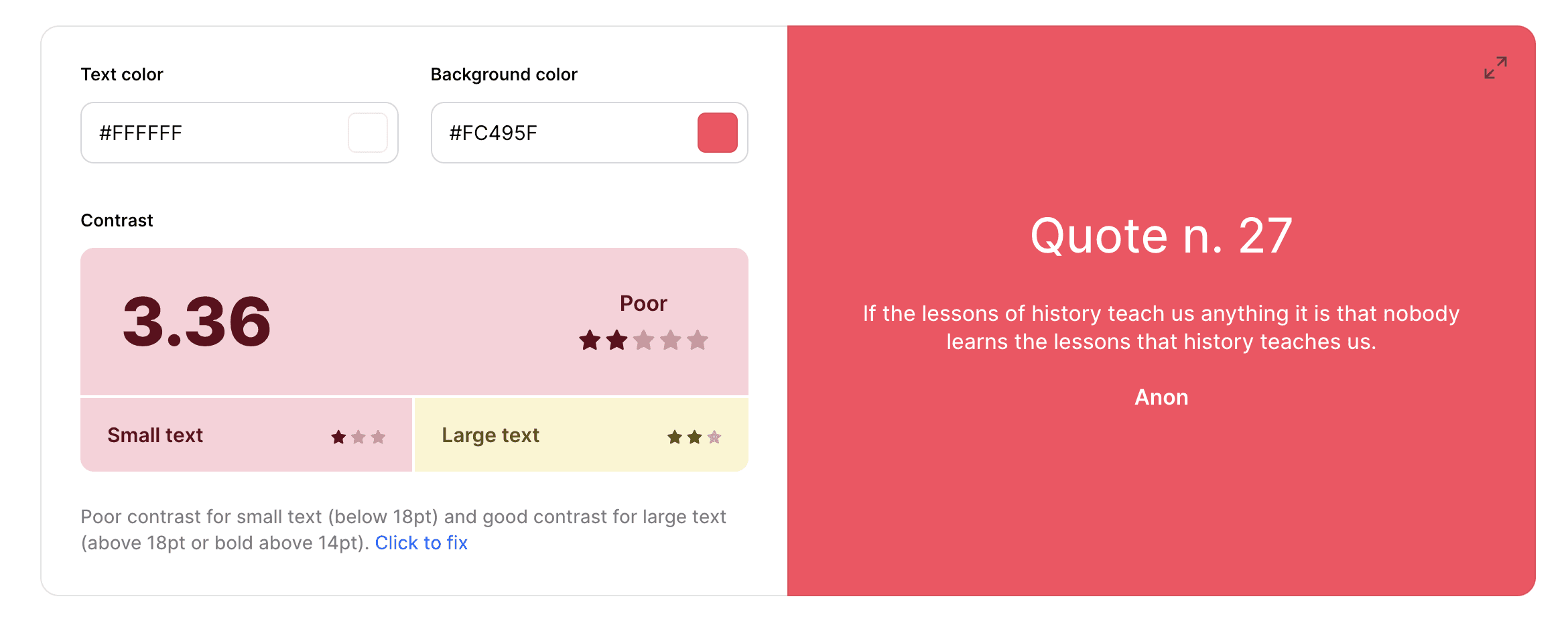
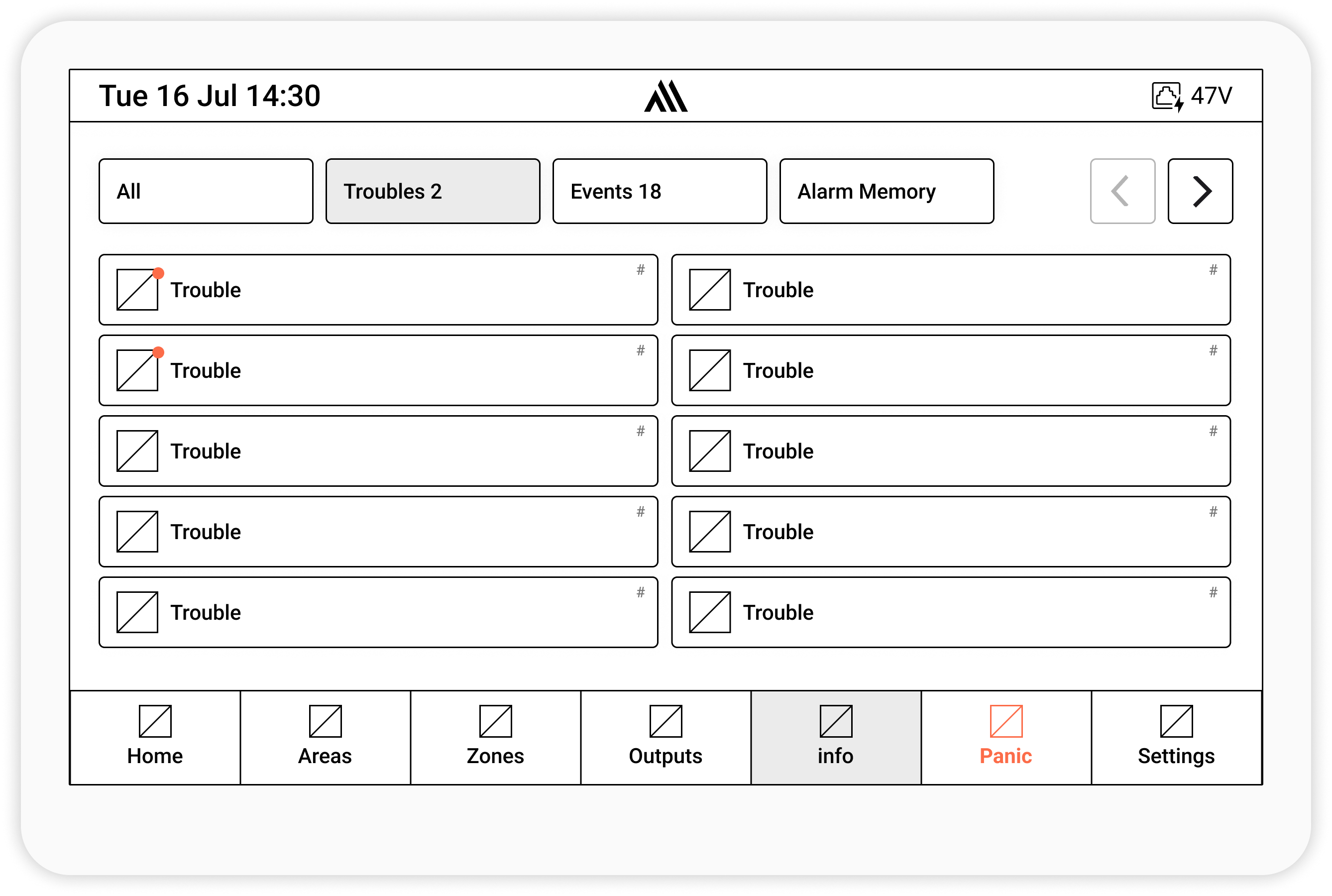
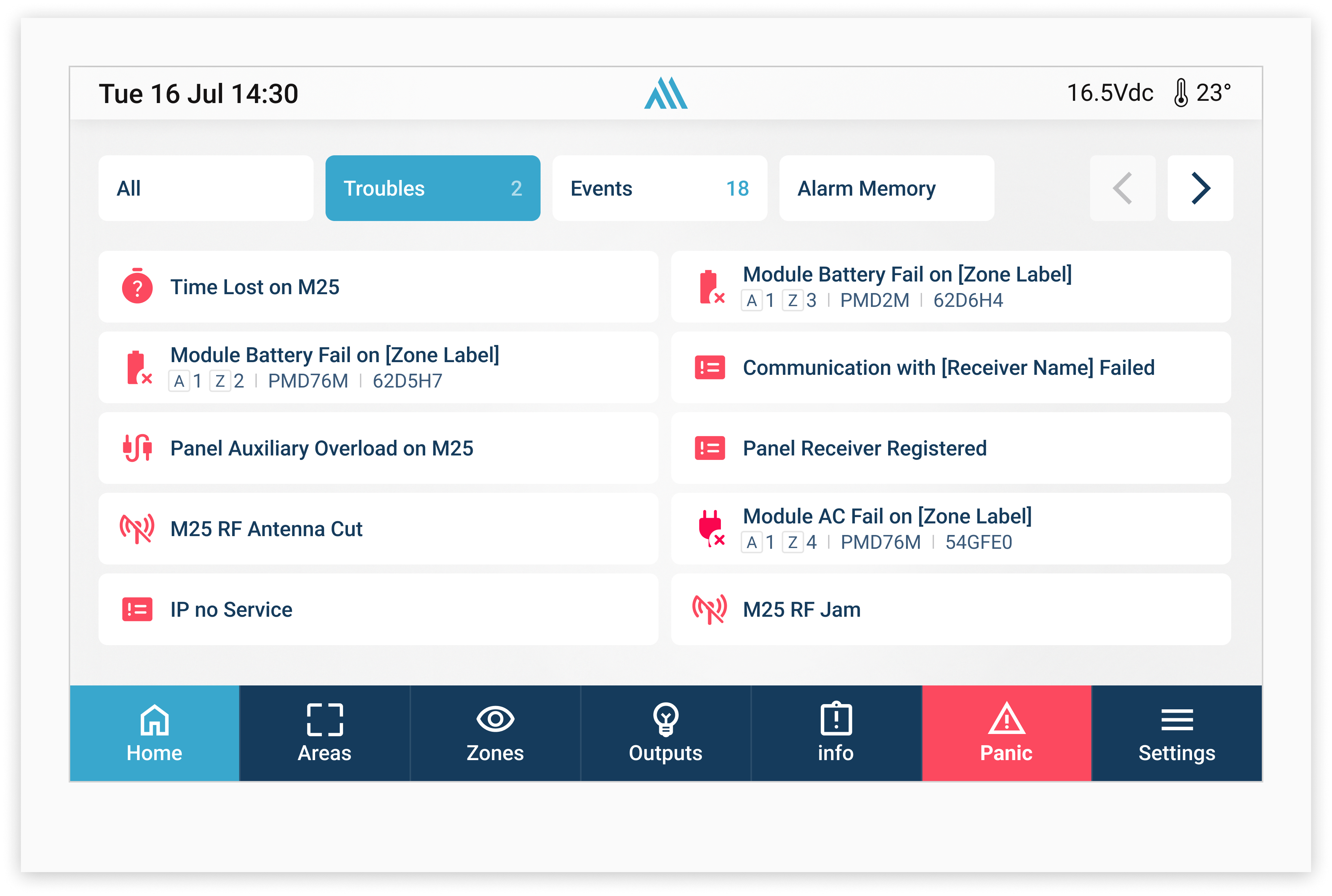
Wireframes & Design
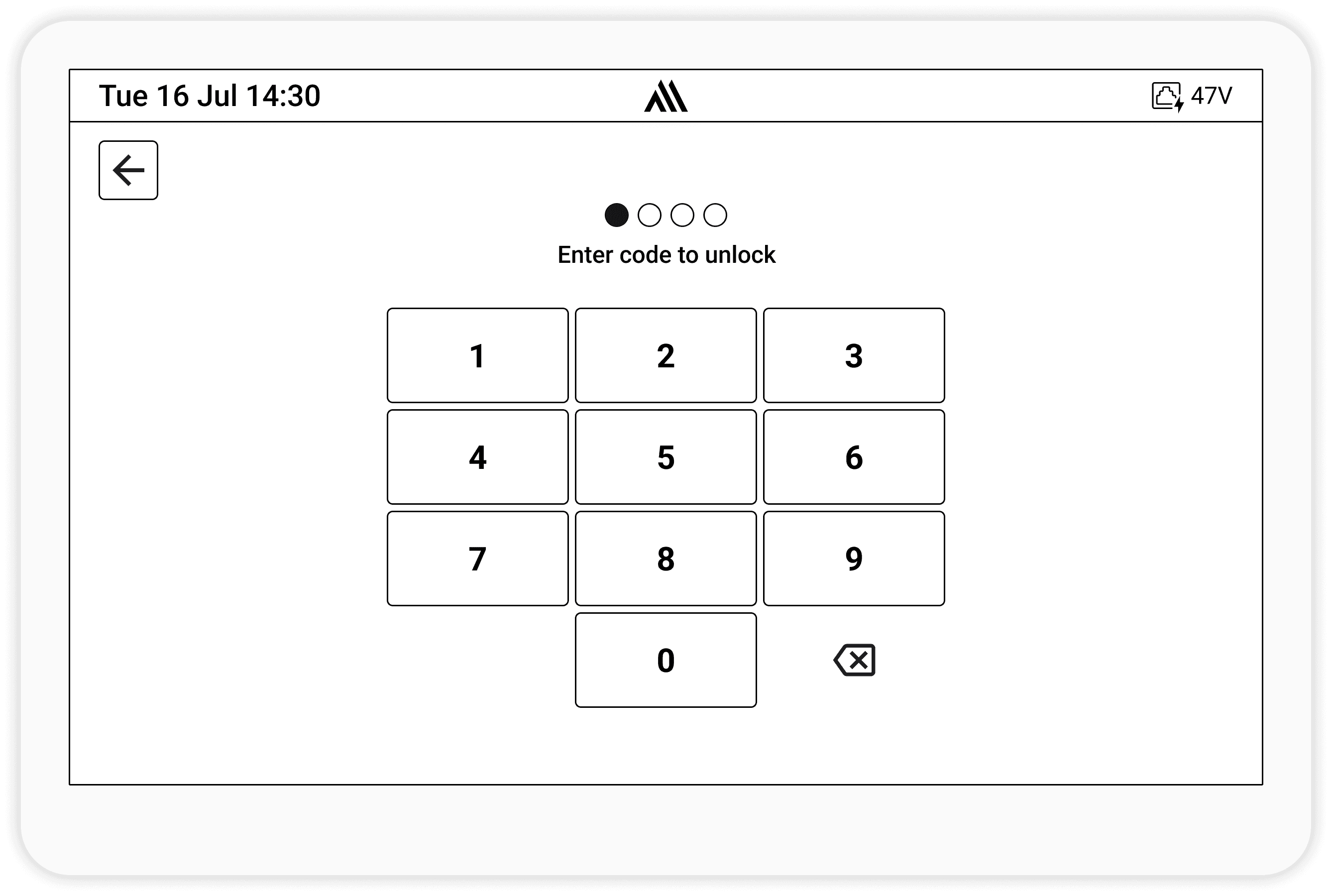
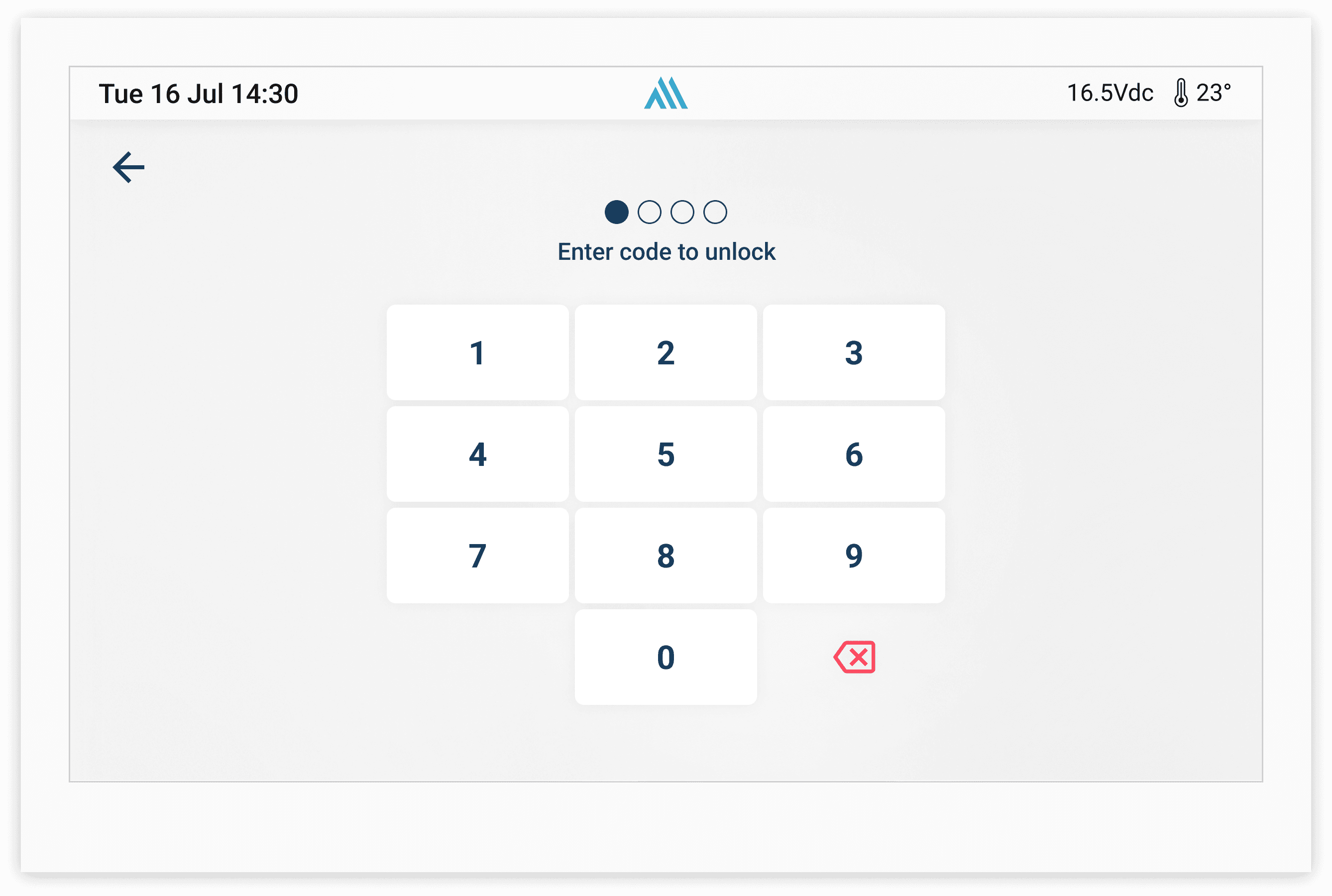
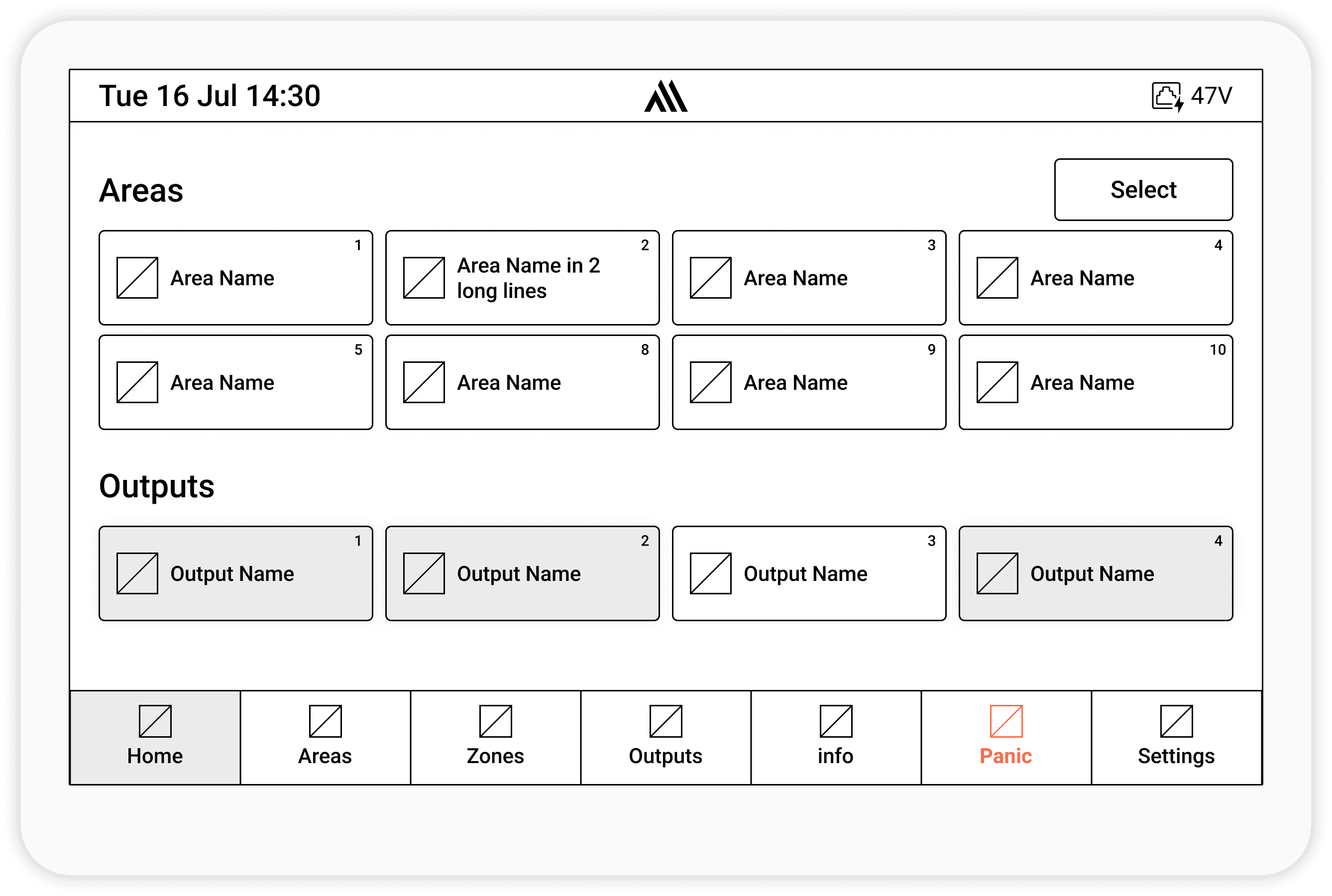
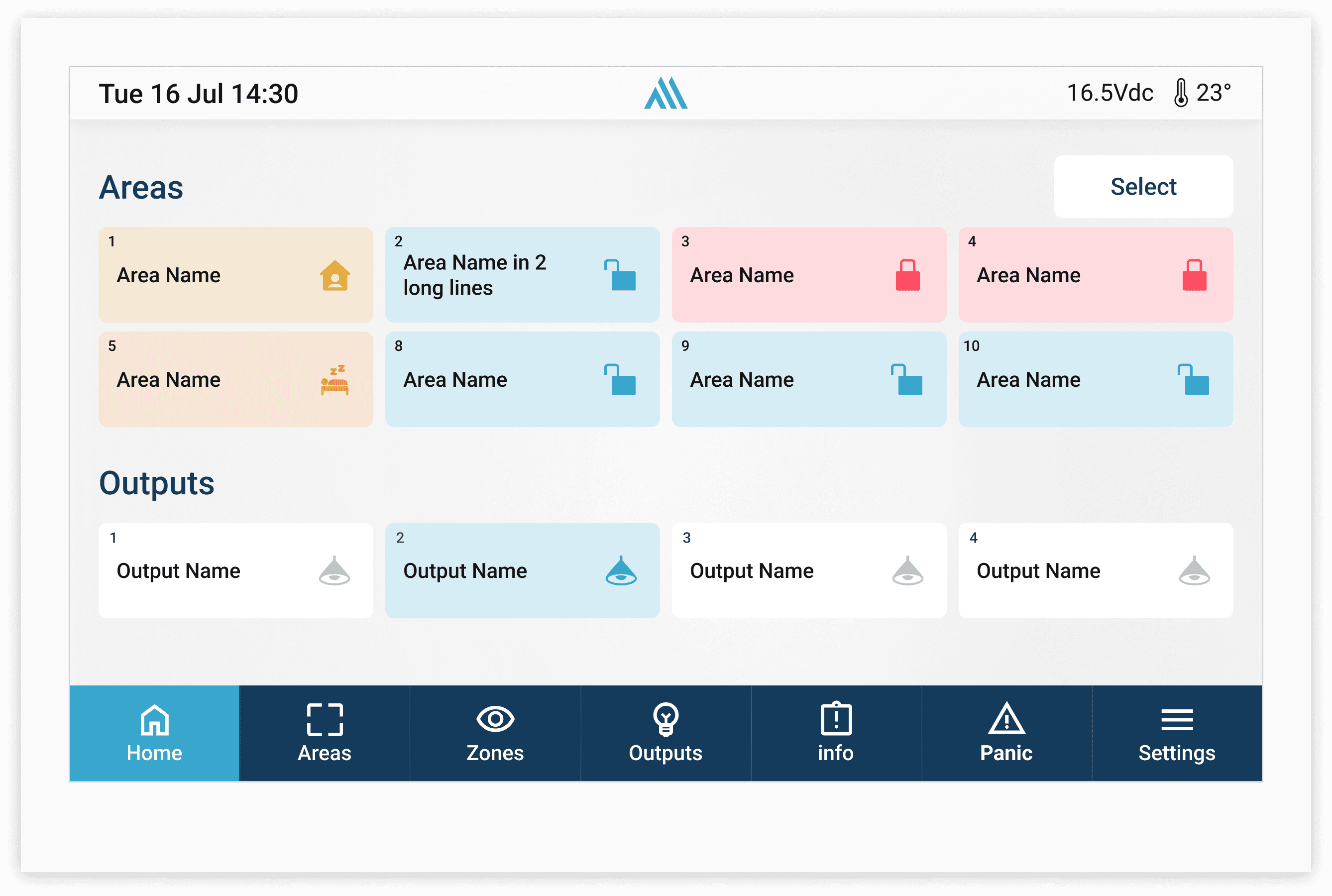
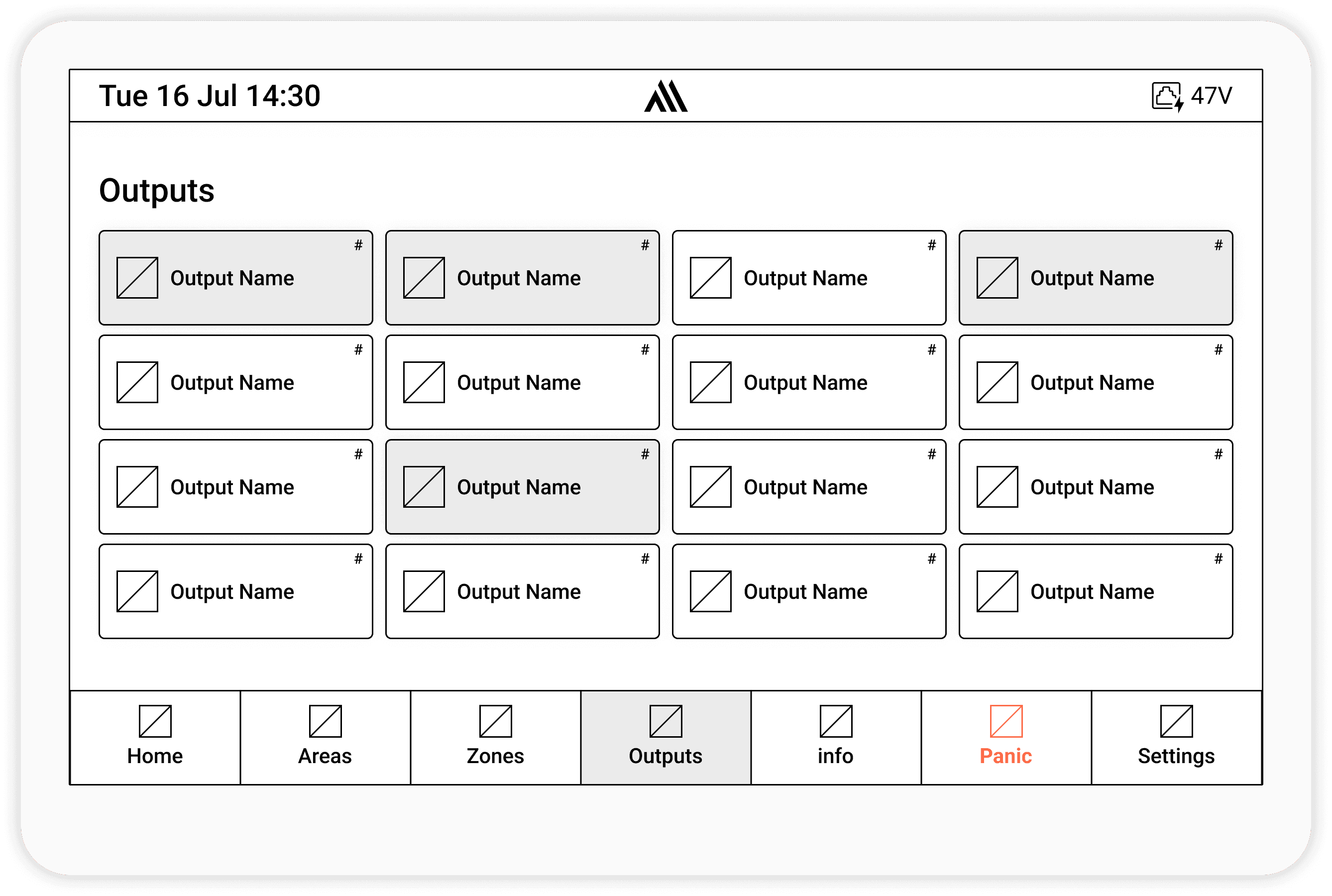

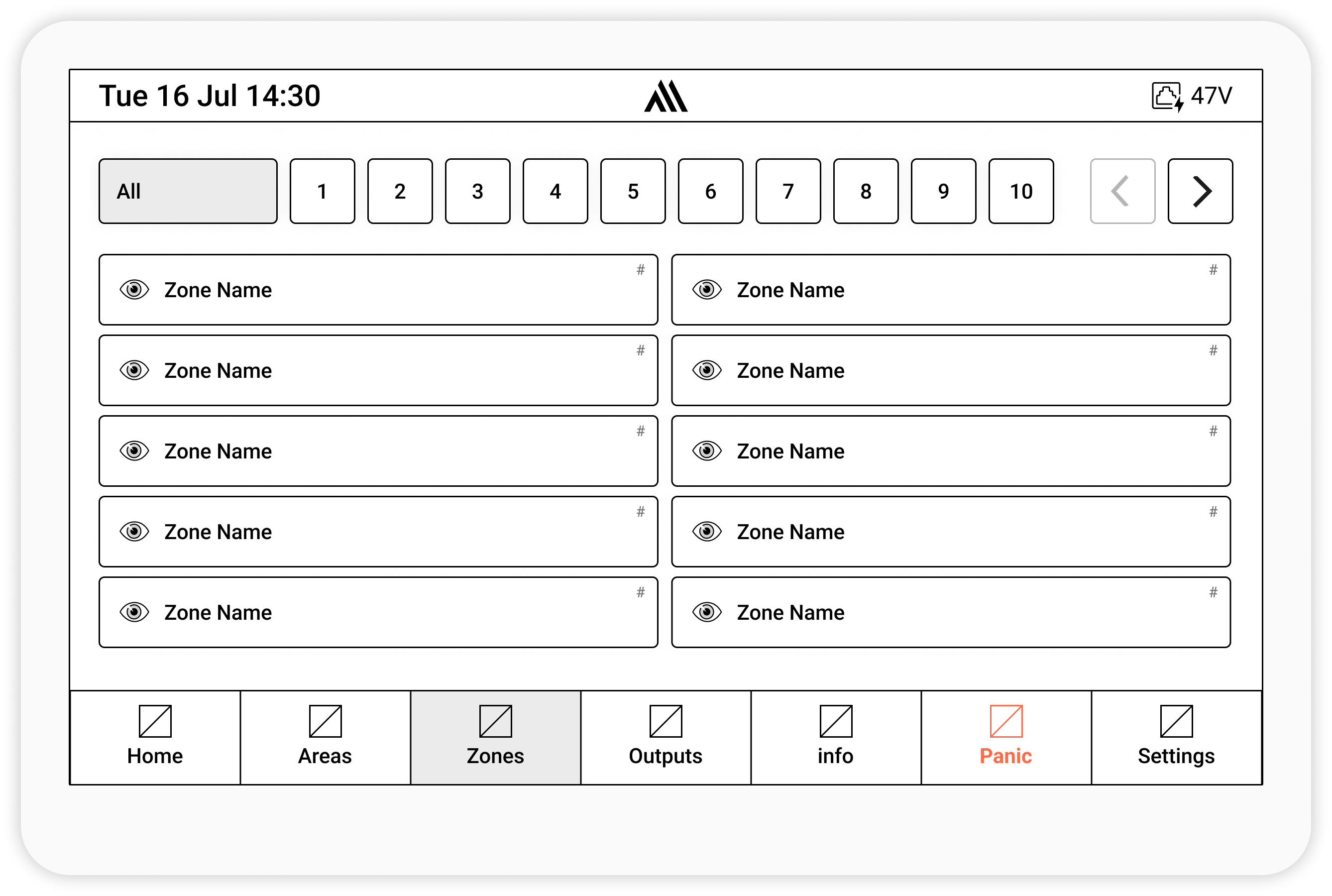
Screen Saver


Takeaway & Reflection
Redesigning a keypad is less about screens and more about trust.