






REM38
Compact security remote offers one-touch control to arm, disarm, trigger panic alerts, and manage individual zones with speed and simplicity.
The Challenge
Fitting the entire security system into a small screen limits visibility, causing navigation issues, missed details, and user frustration.
Goals
Ensure key security actions are accessible with minimal taps on a small screen.
Prioritize clarity by surfacing only the most essential information at each step.
Design for touch with large, easy-to-press targets and clear visual feedback.
Adapt complex system controls into simplified, mobile-friendly flows.
Continuously refine based on real user behavior, pain points, and usability insights.
Research & References
Design research for the REM 38 explored references from smart watches and modern wearable devices, focusing on compact interfaces, quick interactions, and clear information hierarchy. The research analyzed how wearables present critical data through small screens while maintaining simplicity and accessibility. Key inspirations included glanceable status indicators, gesture-based navigation, customizable displays, and minimal UI patterns. These references helped shape a security remote experience that feels familiar, responsive, and easy to use, combining the reliability of a dedicated device with the intuitive interaction principles found in everyday smart technology.


Physical Device
The physical device design focused on creating a compact, reliable, and user-friendly security remote. Research considered ergonomics, button placement, screen visibility, and everyday usage scenarios to ensure comfortable interaction while maintaining a premium and intuitive home security experience.


Welcome Screen
The REM 38 welcome screen was designed to create a clear and engaging first interaction with the device. It introduces users to the security system experience through simple visuals, intuitive guidance, and recognizable elements. The design focuses on reducing complexity, helping users quickly understand device functionality, and establishing confidence from the first moment of interaction.
First Time - On-boarding

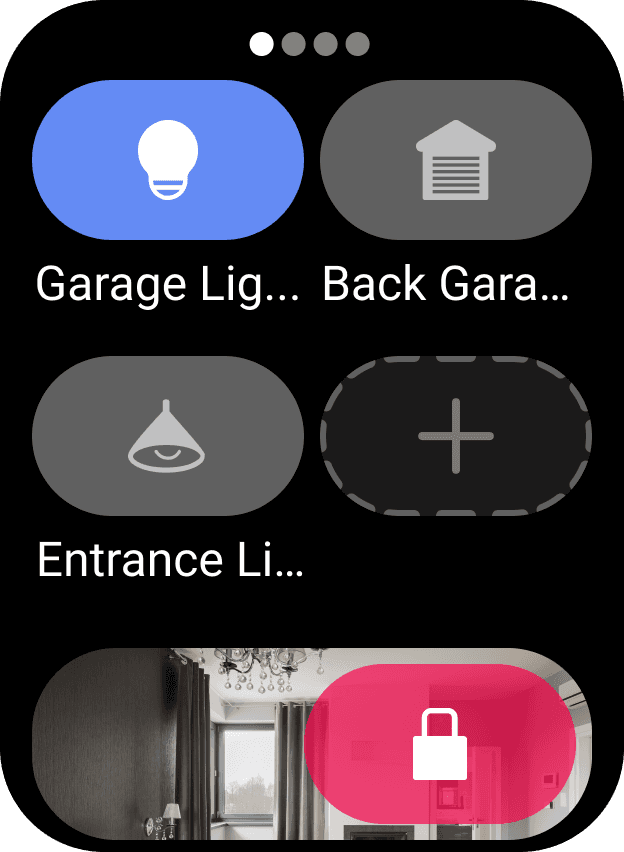
First Time - Main screens

Outputs

Second Time - presenting finger on sensor

Retrospective
Reflecting on the remote design process helped surface valuable lessons around simplifying hardware interactions and balancing constraints. Here are a few takeaways from developing the security remote experience:
So, what went well?
• Iterative prototyping helped quickly test physical layout and eliminate unnecessary buttons.
• LED feedback and haptics added confidence to user actions without overloading the interface.
• Tight collaboration with engineering ensured that every design decision was grounded in hardware feasibility.
• Distilling complex system controls into just a few inputs felt like a major UX win.
What could improve next time?
• Earlier usability testing with non-technical users would have surfaced pain points sooner.
• Iconography clarity needed more refinement—some symbols were misinterpreted in early testing.
• Physical form factor limitations occasionally forced compromises that impacted flow clarity.